
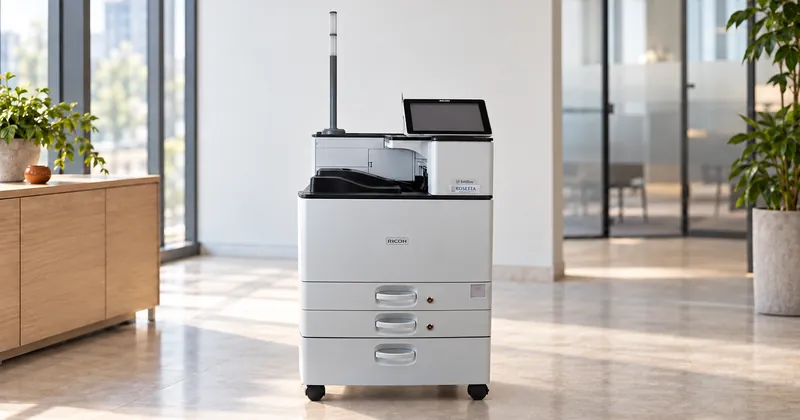
A MICR printer datasheet answers several different questions, and the line printed largest, pages per minute, matters least to a check buyer. Read recommended monthly volume first, then capacity, fonts and security, and treat speed as the last tiebreaker.
Below we go through a datasheet line by line, using our own SP 8400DNM specifications as the main worked example, with a few lines from other models where they teach something the SP 8400DNM does not. The point is not that machine. It is learning what each line says and what it leaves out, so you can read any supplier's sheet the same way.
Speed, first print and resolution
Print speed is quoted in pages per minute on Letter paper. The SP 8400DNM is rated at 60 ppm continuous. Speed decides how long a run takes. It does not decide whether the machine can sustain your monthly volume, and it says nothing about the MICR line.
Two smaller lines sit beside it and matter more for short jobs. First print time is how long the first page takes: 2.2 seconds on the SP 8400DNM. Warm-up is how long the machine takes to become ready: 21 seconds or less. A department printing a handful of manual checks through the day feels these two far more than it feels the top speed.
Also check whether the rated speed holds in the modes you use, and whether it is standard. The SP 8400DNM duplexes at 100% productivity. On a production system the higher speed can be an option: the Pro C7500PM runs at 85 ppm as standard and 95 ppm with the optional speed upgrade.
Resolution is quoted in dots per inch, often as a list of settings. Read the list closely, because a higher setting can change another line. Our P 311M offers 600 x 600, 1200 x 600 and 1200 x 1200 dpi, and its datasheet notes that 1200 x 1200 runs at 15 ppm rather than 34. A buyer who assumes top resolution at top speed has misread the sheet.
Higher resolution is also not the same thing as a better MICR line. A reader/sorter measures the magnetic signal, and signal strength is a property of the assembled machine: the engine, the fuser, the transfer roller and the toner all contribute to it. No resolution figure tells you where that signal will land.
Recommended volume and duty cycle
These are the two most important lines on the sheet, and the two most often confused. Recommended monthly volume is what the machine is built to do month after month. Maximum duty cycle is an upper limit. On the SP 8400DNM they are 53,000 and 300,000 pages a month. Size against the first, using your peak month rather than your average, and treat the second as headroom. A machine with a 300,000 page duty cycle and a 53,000 page recommended volume is a 53,000 page machine.
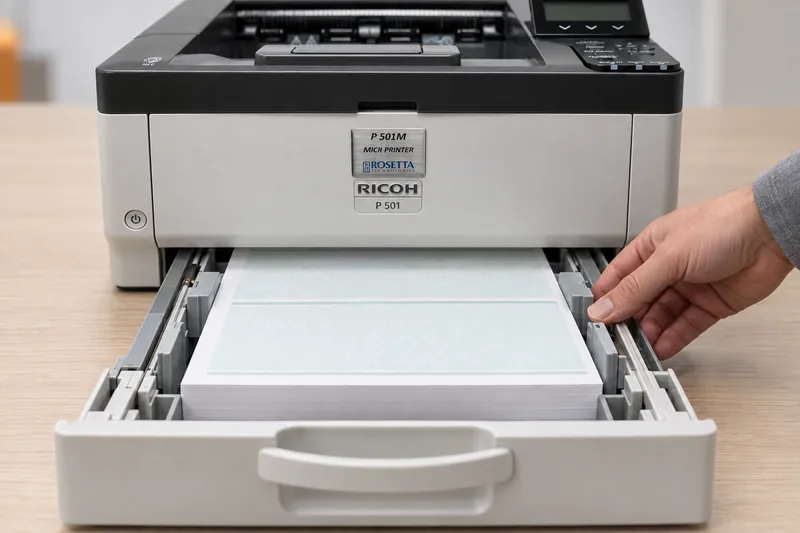
For a MICR printer the reason goes beyond wear. As parts wear, signal strength drifts toward the edge of tolerance, and that drift arrives as rejects at the bank. We explain the two numbers in full in recommended monthly volume versus maximum duty cycle. One caution when comparing classes: some production datasheets publish a maximum monthly volume in place of a recommended one, as ours do for the Pro 8410M/8420M at up to 1,000,000 impressions. Ask which figure you are looking at.
Capacity, paper weight and media
Capacity comes in three lines: standard input, maximum input with options, and output. The SP 8400DNM holds 1,200 sheets as standard, in two 550-sheet trays plus a 100-sheet bypass, and up to 4,700 sheets with options. Output capacity is 500 sheets up to 8.5 x 11 in. Input capacity decides how often a long check run stops for paper. Output capacity decides how often someone has to empty the tray mid-run.
Then read paper weights and media types. ANSI X9.18 recommends 24 lb check stock (opens in a new tab), so confirm that weight sits inside the range for the tray you will feed checks from. Some sheets list MICR media separately: the P 311M gives MICR paper weights of 20 to 28 lb Bond apart from its general range. Media types tell you whether one machine can run check stock, pressure seal and IRD paper. The SP 8400DNM lists all three.
MICR fonts and the compliance line
This is the line that separates a MICR printer from an office printer with magnetic toner in it. Look for the fonts by name. The SP 8400DNM lists Rosetta Technologies certified E-13B and CMC-7. The P 311M lists E13B, CMC7 and OCR-A. E-13B is the North American standard, so a US or Canadian check buyer needs it at minimum.
What a sheet cannot show is whether those fonts are tuned to that engine and toner, or whether each machine was verified on a MICR verifier before it shipped. Those are the two requirements you cannot inspect, so they become questions. The same goes for a line such as "ASC X9 and ABA compliant output": ask what was measured and how. We take that phrase apart in our post on what compliant means on a check printing datasheet.
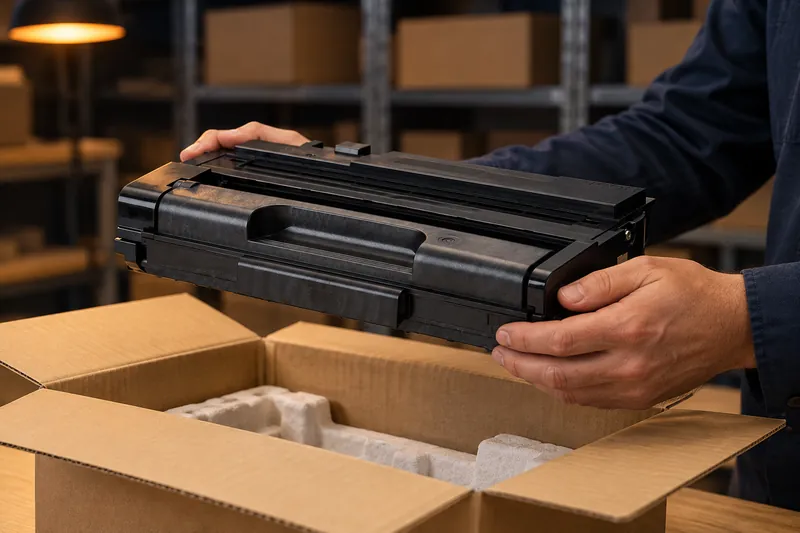
Supply lines belong in this part of the reading, because they set the running cost. A toner yield is always stated at a coverage: the SP 8400DNM toner bottle is rated at 50,000 impressions at 4% coverage, and its Maintenance Kit A at 160,000 impressions. On our printers that toner is ProMark™ MICR toner, formulated for each print engine rather than sold as one universal product.
Security, page description and the controller
Security lines list authentication methods, encryption and physical controls. For checks the physical controls matter as much as the network ones. The SP 8400DNM lists job and access logs and IP filtering, and its configurations run from the base model to Secure, with locking paper trays, and Guardian, with a secure 320 GB hard drive and Locked Print.
Page description languages tell IT how jobs will reach the printer: PCL, PostScript, PDF Direct, and IPDS for host-generated print streams. On the SP 8400DNM, IPDS is an option on the base model and standard in the IPDS configurations, so if your checks leave a host system as an IPDS stream, confirm that line before any other. Processor, memory and storage complete the controller block, and on production systems the controller can be a separate device: the Pro C7500PM requires a Fiery N-70A.
What the datasheet will not tell you
Some of the most important answers never appear on a specification sheet. These come from our check printers buying guide, and we suggest putting them to every supplier, including us:
- Is every machine individually verified on a MICR verifier before shipping, or was the model verified once?
- Are the MICR fonts licensed and tuned to this engine and this toner?
- What reject rate is the toner tested at, on what equipment, and by whom?
- What does a maintenance kit contain, and what page yield is it rated for on this model?
- What are the support hours, and what is the response commitment?