
Items that clear like the back office's
Official checks, cashier checks and money orders carry a MICR line built to the same specification wherever they are printed. A reader/sorter makes no allowance for an item that came from a branch.
A branch prints a small number of items that carry the bank's name: official checks, cashier checks and money orders. Each one is read by the same reader/sorter as an item printed in the operations center, and each one is printed where nobody from operations is in the room.
Volume decides the machine, not the rules the item has to meet. A branch needs a desktop or workgroup MICR printer that holds its own line, software that headquarters controls, and a record that comes back to the center. CheckStream Teller is that software: the teller prints the item in a web browser, in one pass on blank stock, with the data supplied by the core banking platform. We supply the printer, the software and the toner as one path, so the reject rate is one supplier's responsibility rather than three.
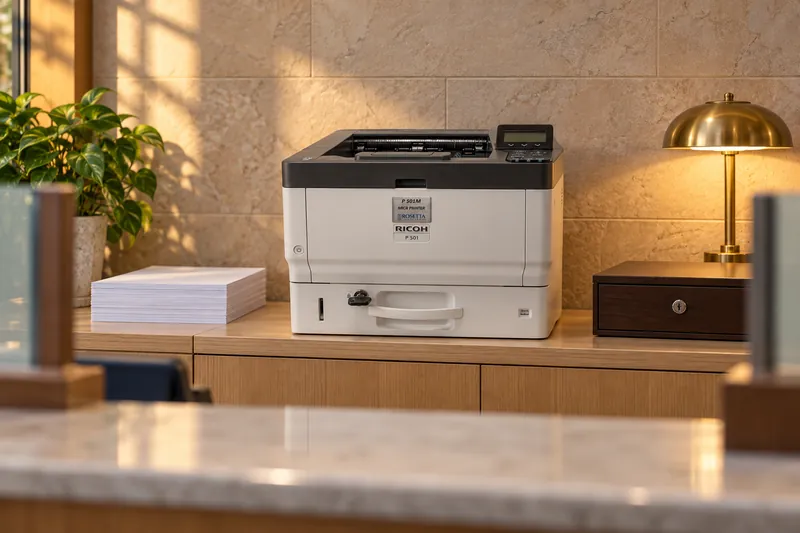
Official checks, cashier checks and money orders carry a MICR line built to the same specification wherever they are printed. A reader/sorter makes no allowance for an item that came from a branch.
A branch has fewer people and the printer often sits in shared space. Locking trays, held print jobs and sign-in at the printer do the work a busy corridor does at headquarters.
Who may print which forms, on which accounts and to which printer is decided by headquarters, not by whoever is at the branch. A queue can be switched off from the center when a branch closes or a user leaves.
An official item is printed while someone waits for it. The service plan decides what happens when a printer stops, so it is chosen at purchase, not after the first failure.
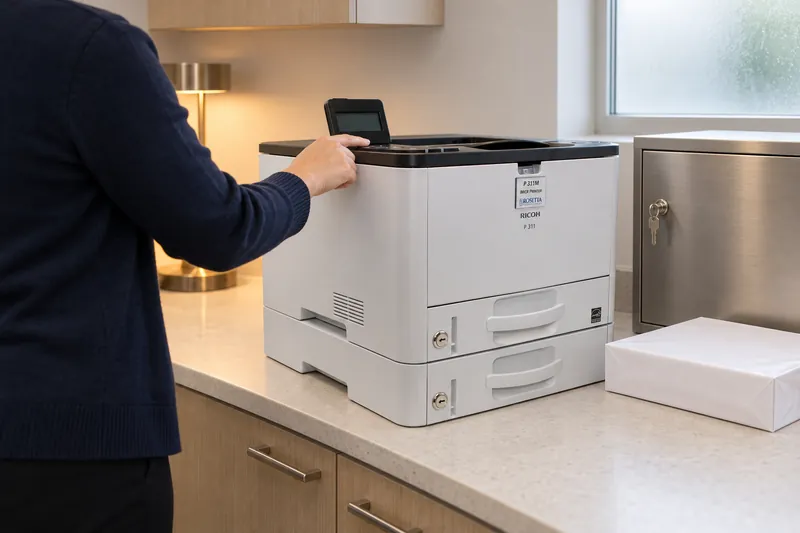
Each model below is sized to this buyer's monthly volume, with room for the peak month.
The P 311M (up to 5,800 pages a month, optional locking tray, Locked Print) and the P 501M (up to 10,000 a month, lockable trays) are the desktop class. The SP 8400DNM (up to 53,000 a month) suits a busy branch or a regional office, with Secure and Guardian configurations for locking trays and Locked Print.
CheckStream Teller prints cashier's checks, official checks, money orders and loan proceeds checks at the teller line, in one pass on blank stock, with data from the bank's core banking platform. Each branch prints from its own check number pool, and every print and user action is reported across one branch or many. Rosetta Print Manager restricts users to specific printers or forms, enables and disables queues remotely, and keeps comprehensive job logs.
ProMark MICR toner tests at a 0.1% reject rate or lower. Typical MICR toner in this industry rejects at 2% to 4%. One blank safety stock covers every item type the branch prints, so the supply cupboard holds paper rather than items.
We cover bank fees for rejected checks over the bank's acceptable rate, where our materials caused the reject.
Five conditions apply together: a Rosetta Technologies branded printer, purchase from an authorized source, approved supplies, our MICR fonts, and continuous maintenance under an approved service plan. Mixing standard and MICR toner cartridges or photoconductor drum units is an explicit exclusion.
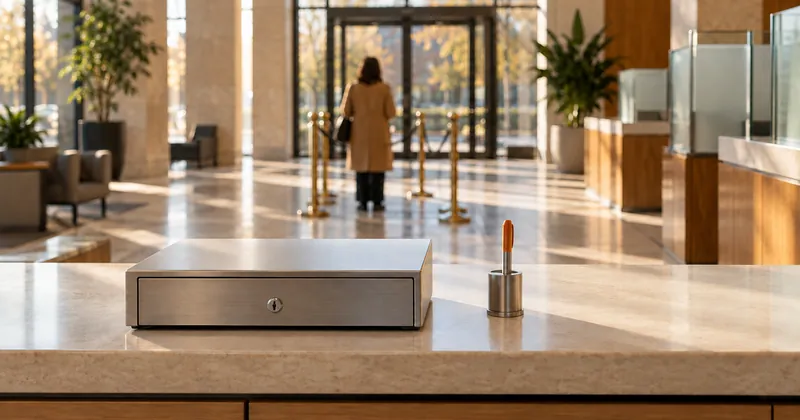
A branch prints a few items a day, at the counter, against the same reader/sorter as the operations center.
No. Official checks, cashier checks and money orders carry a MICR line built to the same specification as an item printed in the operations center: magnetic toner, a printer calibrated and verified on a MICR verifier, certified E-13B fonts and stock that meets ANSI X9.18. Volume decides the class of machine. It does not change what the item has to do at the reader/sorter.
Size it by what the branch prints in a month. The desktop class is the P 311M, rated for up to 5,800 pages a month, and the P 501M, rated for up to 10,000. A branch or regional office that prints more moves to the SP 8400DNM, rated for up to 53,000 pages a month. Plan against the peak month and the recommended volume, not the maximum duty cycle.
Through the software. CheckStream Teller runs in a web browser behind multi-factor authentication, single sign-on and IP allowlisting, prints from unique check number pools, and reports payment and user activity across one branch or many, with void and un-void and an audit trail. Rosetta Print Manager adds a single point of control above the printers: it restricts users to specific printers or forms, enables and disables queues remotely, and keeps job logs that the center can read on a schedule.
Controls at the printer and a few rules in the branch. Locking trays are available on the P 501M, as an option on the P 311M, and in the SP 8400DNM Secure configuration. Locked Print on the P 311M and the SP 8400DNM Guardian configuration holds a job until someone with the right to release it is standing at the printer. Output lands face down on the P 311M and P 501M. The branch still needs a locked cabinet for stock and spoiled items and a short list of who may print.
Yes. Printing on blank safety stock means one product covers official checks alongside other MICR applications such as loan coupons, depository transfers and starter checks. Each document type becomes a template rather than an inventory line, and security features such as VOID pantograph and microprint are set in the template rather than bought with the stock.
Either a correspondent bank or your own institution. OnSight is sold as a system for printing your own: software and a 31 page per minute OnSight MICR laser printer together, with a recommended volume of 700 to 6,000 pages a month. It accepts X9.37, X9.100-180 and X9.100-187 cash letter files and produces X9.100-140 compliant IRDs on demand.
The service plan decides. The Exchange Warranty ships a replacement for eligible workgroup printers if the first call does not resolve the problem, and the 4-Hour Response plan aims for a Ricoh technician on site within four hours during normal business hours. Because an official item is printed while a customer waits, a spare printer at a busy branch is worth pricing in.
A bank is the one buyer that sits on both sides of the MICR line. It prints items that have to clear, and it receives items that have to be read, returned, and replaced. Both jobs run on a clock that does not move.
See the fitPayroll and claims work is defined by its deadline. The run is large, it happens on a date everyone already knows, and every rejected item is a person who did not get paid on the day they expected to be.
See the fitA healthcare payment is rarely just a check. It arrives with remittance detail the provider has to reconcile against claims, and the two have to stay together from the printer to the envelope.
See the fitA city finance office, a school district and a university bursar are running the same job: scheduled disbursements that cannot be late, paid to people who are not set up for electronic payment, under a purchasing policy that has to be satisfied before anything is bought.
See the fitBelow a certain volume the question is not throughput. It is whether a finance team should be storing, securing, counting, and destroying pre-printed check stock for every account it holds.
See the fitA commercial printer or mailing house is not printing its own checks. It is printing other organizations' checks, which changes the problem: many accounts, many templates, other people's deadlines, and a reject that is your fault and their money.
See the fitA return item arrives as a record in a cash letter file. It leaves as a physical document that carries its own MICR line, or it does not leave at all and somebody works it by hand.
See the fitTell us how many branches print, roughly what each prints in a month, and how stock is sent to them. From those three we can say which printer fits, and show you CheckStream Teller printing the items.
Thank you. Your message is with the Rosetta Technologies team, and a member of the team will reply by email.
The form did not load. Call (800) 937-4224 or email info@rosettatechnologies.com, Monday through Friday, 8:00am to 5:00pm ET.
Required. We use this to reply to you. Nothing else. See privacy. This form is protected by reCAPTCHA; the Google Privacy Policy and Terms of Service apply.