
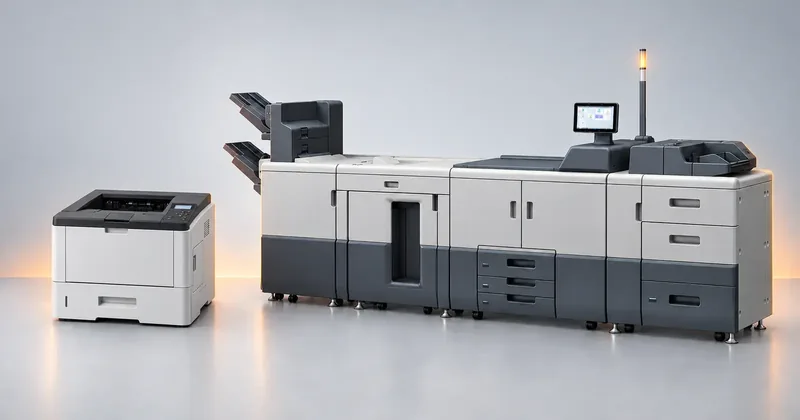
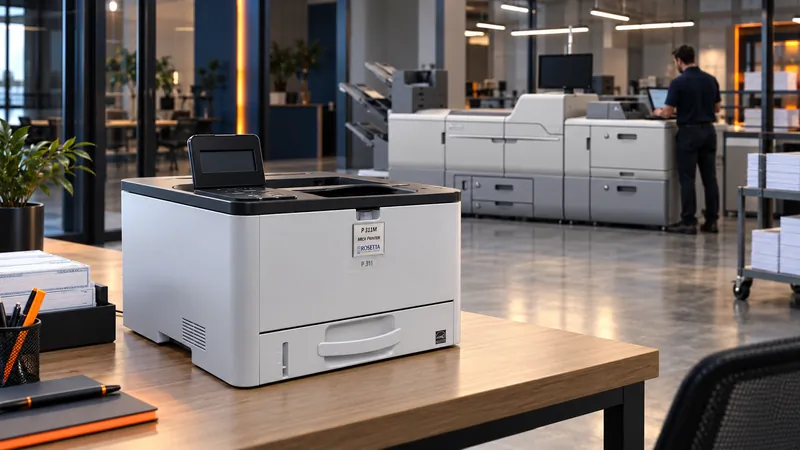
Size on volume, not on speed
- P 311M
- Up to 5,800 prints per month
- P 501M
- Up to 10,000 prints per month
- SP C840DNM
- Up to 50,000 pages per month
- IP C8500M
- Up to 50,000 prints per month
- SP 8400DNM
- Up to 53,000 pages per month
- Pro C7500PM
- Up to 240,000 pages per month
- Pro C7210XM
- Up to 240,000 pages per month
- Pro 8410M / 8420M
- Up to 1,000,000 impressions
- Pro 8310M / 8320M
- Up to 1,000,000 impressions
Recommended monthly volumes. The IP C8500M, Pro 8410M / 8420M and Pro 8310M / 8320M figures are maximum monthly volumes. Maximum duty cycle is a survival rating. Running near it wears the fuser and drum, and worn parts weaken the MICR signal.
Two numbers appear on almost every printer datasheet, and they are not describing the same thing. Planning a check operation against the wrong one is the most common sizing mistake in this category.
The first number is a recommended monthly volume. The second is a maximum monthly duty cycle. On the same machine the two can differ by a large multiple, and the gap is not a hedge or a typographical error. They are answers to two different questions, and only one of them is a planning figure.
The confusion is understandable. Both are expressed in pages per month. Both sit in the same block of specifications, often two lines apart. Nothing on the page tells you that one is a design target and the other is a limit you are not supposed to approach.
What each number is measuring
Recommended monthly volume is the volume the manufacturer expects the machine to print month after month, across its service life, at the published maintenance intervals. It is the number the engine was designed around. Run at or below it and the consumable schedule, the wear pattern, and the expected life behave the way the documentation says they will.
Maximum duty cycle is a ceiling. It describes what the mechanism can pass in a month without breaking, not what it can pass every month without consequence. Reaching it once, in a month you could not avoid, is a different situation from reaching it in March, then again in April, then again in May.
Both figures are legitimate, and manufacturers are not being evasive by publishing both. Engineers need a stress limit for the mechanism and a design target for normal service, and those are genuinely different quantities. The problem is that a specification sheet presents them side by side with no indication of which one a buyer is supposed to use.
The practical translation is short. Plan against the recommended monthly volume. Treat the maximum duty cycle as headroom for the month that goes wrong.
| Question | Recommended monthly volume | Maximum duty cycle |
|---|---|---|
| What is it describing? | The volume the engine was designed to sustain | The volume the mechanism can survive |
| Over what period? | Every month, for the life of the machine | An isolated month |
| What happens at that level? | Published maintenance intervals hold | Wear accelerates and intervals shorten |
| Use it for? | Sizing and budgeting | Judging emergency headroom |
Why check printing is less forgiving than office printing
A general office printer that is run hard prints more slowly, jams more often, and eventually needs parts. The output is still readable. A MICR printer that is run hard has a second failure mode, and this one does not announce itself: the magnetic signal on the printed line drifts.
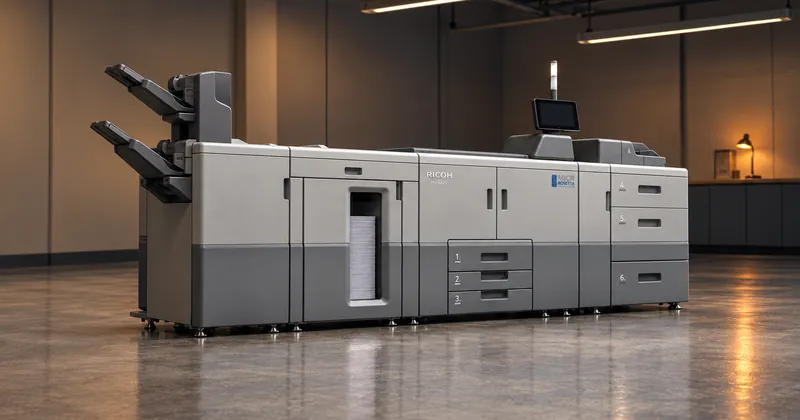
Signal strength is a property of the assembled machine, not of the toner alone. The engine, the fuser temperature, the transfer roller, and the toner all contribute to it. Wear any of those and the amount of magnetic toner bonded to the paper, in the shape the standard expects, changes. The characters still look correct to a person. A reader/sorter magnetizes the ink, passes it under a read head, and compares the resulting waveform against the standard, and the waveform is what moved.
An item a reader/sorter cannot read leaves straight-through processing and is handled by a person at the bank, which the bank charges for at its own fee schedule. So the cost of running a check printer past its comfortable volume is not only a shorter machine life. It is a rising reject rate on a process you believed was finished when the envelopes went out.
A sizing method that holds up
- Count checks first, then everything else. Payroll, accounts payable, claims, refunds. Then add the remittance pages, the stubs, the reports, and anything else the same machine will be asked to print.
- Find your peak month, not your average. Payroll and claims operations are lumpy. The month that matters for sizing is the largest one you can foresee, not the twelve month mean.
- Compare the peak against the recommended monthly volume. If the peak is above the recommended figure, the machine is undersized even though the duty cycle number makes it look comfortable.
- Add margin for reprints. Jams, alignment runs, voided batches, and test pages all consume life. Nobody budgets for them, and every operation has them.
- Ask for both numbers in writing. A vendor who quotes only the larger figure is quoting the one that flatters the machine. Ask which number is the recommended monthly volume for the specific model.
We would rather place a machine that spends its life comfortably inside its recommended volume than one that looks like a bargain on a spreadsheet and lives permanently near its ceiling. The second machine costs less at purchase and more everywhere else: consumables, service calls, downtime during a check run, and reject handling at the bank.
The same reasoning applies to a machine you already own rather than one you are buying. If your volumes have grown since the printer was chosen, the question is not whether it still prints. It is whether the volume it now handles every month is still under the figure it was designed around, and that is a question the page counter can answer in about a minute.
If the answer is no, you have a decision to make while it is still cheap: move some work off the device, shorten the maintenance interval to match the real load, or add capacity. All three are better than discovering the constraint through a reject rate.
Both figures are published per model and vary widely between machines. We do not quote a general ratio between them, because there is not one. Ask for both numbers for the specific model you are considering.