
Register by phone
Monday through Friday, 8:00am to 5:00pm ET.
Have the serial number in front of you. It is the one detail nobody can look up for you.
Thank you for buying a MICR printer from us. Registration takes five details you can read off the machine and the invoice, and one form, one call or one email.
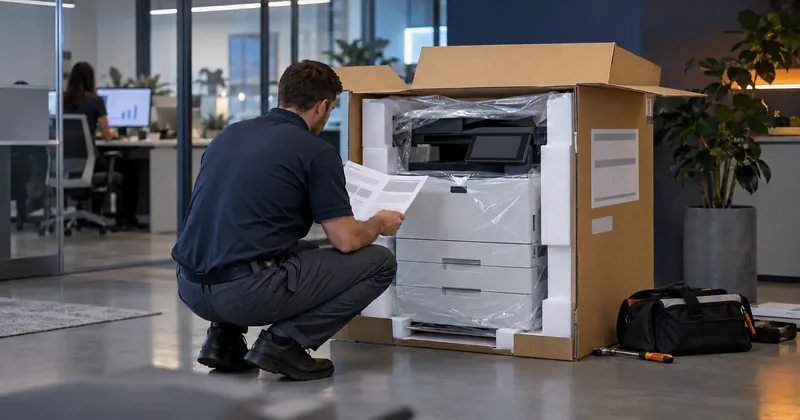
On the front of the machine.
On the rear, or inside the front door.
From the invoice.
Who you bought it from.
Where the machine actually sits.
There is no form here that would post into nothing.
Monday through Friday, 8:00am to 5:00pm ET.
Have the serial number in front of you. It is the one detail nobody can look up for you.
The subject line arrives filled in as Printer warranty registration, which routes it faster. Send the five details below in the body and you are finished.
Tell us as well whether you would like emails about promotions, upgrades and new products. That is optional, and registration does not depend on it.
Ask for the written warranty terms when you register, and whether any deadline applies to your model. We will tell you what covers the machine you bought.
The model and the serial number are what we need. Both are on the machine and on the carton it arrived in.