What is check printing software?
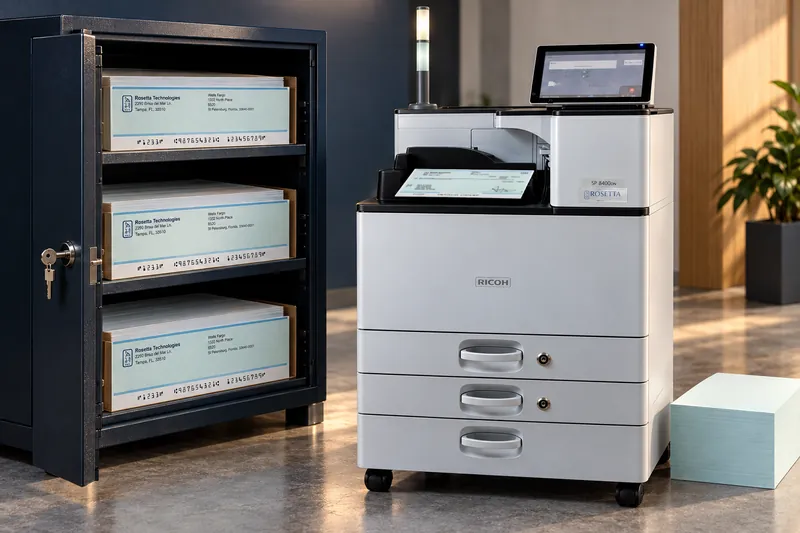
Check printing software takes payment data from an accounting system and prints a complete check onto blank stock, including the payee details, the amount, the background design, any security features, and the MICR line along the bottom. It replaces the older approach of buying pre-printed check stock and running it through a printer that fills in only the variable fields.
Why print checks on blank stock instead of pre-printed forms?
Pre-printed check stock has to be ordered, stored securely, tracked, and destroyed whenever a bank account, address, or logo changes. Printing on blank safety stock removes all four costs. It also removes the risk of running out of a specific account's forms mid-run, because every account prints from the same blank paper.
Which CheckStream edition do I need?
Start with how many people print checks. LS supports one user and one printer, Office supports up to five users across multiple printers, and Pro supports up to ten users in a data center production environment. If the checks need to be full color, Color Plus and Color Plus Pro are the color editions. Commercial is for print shops producing check stock for other companies.
Does CheckStream work with my accounting package?
CheckStream Color Plus ships pre-loaded with default check forms for ten of the most popular accounting packages, and publicly names four: QuickBooks, Microsoft Dynamics, Yardi, and Propertyware. We also provide customization services for other templates, colors, and formats. Ask about your specific package rather than assuming either way.
What security features can be printed onto a check?
VOID Pantograph, Eurion Dot Security, microprint, and watermarks imprinted into the background, all printed at the same time as the check itself on blank safety stock. Signature encryption is available as an option, as is positive pay file generation.