
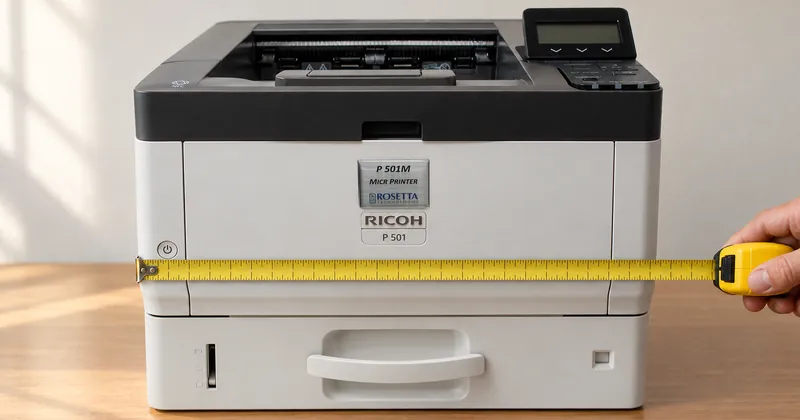
Choose between our two desktop MICR printers on recommended monthly volume first. The P 311M is rated for up to 5,800 prints a month at 34 pages per minute, and the P 501M for up to 10,000 at 45. After volume, three lines usually settle it: how much paper each holds, how jobs reach it, and which security options you need.
Both are workgroup machines built on Ricoh desktop engines, the P 311 and the P 501, and both print checks on blank stock with certified MICR fonts. Everything below comes from the two published datasheets. Where one sheet lists a specification and the other does not, we say so rather than fill the gap.
The two datasheets side by side
| Line | P 311M | P 501M |
|---|---|---|
| Print speed | 34 ppm, simplex and duplex | 45 ppm |
| First print | 7.1 seconds or less | 5 seconds or less |
| Warm-up | 26 seconds or less | 19 seconds |
| Recommended volume | Up to 5,800 prints per month | Up to 10,000 prints per month |
| Maximum duty cycle | 35,000 prints per month | 150,000 prints per month |
| Standard input | 300 sheets: 250-sheet tray plus 50-sheet bypass | 600 sheets: 500-sheet tray plus 100-sheet bypass |
| Maximum input | 550 sheets | 2,100 sheets, up to four trays |
| Output | 125 sheets face down | 250 sheets face down |
| MICR fonts | E13B, CMC7, OCR-A | E13B, CMC7 |
| Page description | PCL 5e, PCL 6, PostScript 3 emulation (Windows only) | PCL 5e, PCL 6, PDF Direct emulation, IBM IPDS, Adobe PostScript 3 |
| Weight | 28.7 lbs | 42.5 lbs |
Volume decides first
Recommended monthly volume is the figure the machine is built to sustain month after month. Maximum duty cycle is a ceiling, and the gap between the two is wide on both models. Size against the first, using your busiest month, as we explain in recommended monthly volume versus maximum duty cycle.
As an example, an office whose peak month is 4,000 pages, counting checks, stubs and reports together, fits inside the P 311M rating with room to spare. An office whose peak month is 8,000 pages is above the P 311M figure and inside the P 501M figure, so the P 501M is the right machine even if most months are quieter. Count the pages the printer will actually produce, not only the checks.
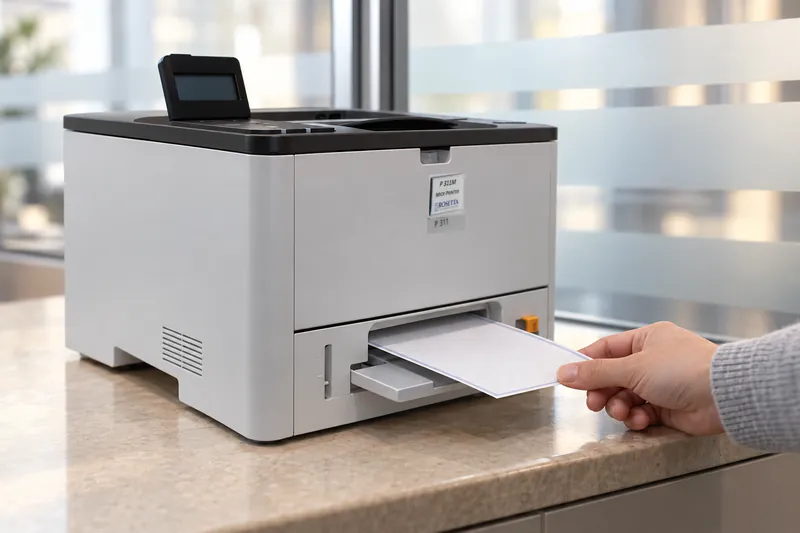
Speed matters less than it looks on the sheet. For an office that prints a few manual checks through the day, first print time and warm-up are what people feel: 7.1 seconds and 26 seconds on the P 311M against 5 and 19 on the P 501M. Note one more line on the P 311M sheet: its 1200 x 1200 dpi setting runs at 15 ppm rather than 34.
Capacity decides how often a run stops
The P 311M holds 300 sheets as standard, 50 of them in the bypass, and reaches 550 with its optional 250-sheet feed unit. The P 501M holds 600 as standard and scales to 2,100 sheets across up to four trays. As an example, on a run of 1,000 sheets the P 311M will stop for paper at least once even when fully optioned. A P 501M fitted with its optional trays need not. Output follows the same pattern: 125 sheets face down against 250, which decides how often someone empties the tray during a long job.
How jobs reach the printer
This is the line IT should read. The P 311M accepts PCL 5e, PCL 6 and PostScript 3 emulation for Windows only, and its datasheet lists PDF Direct and IPDS as features it does not have. The P 501M accepts PCL 5e, PCL 6, PDF Direct emulation, IBM IPDS and Adobe PostScript 3. If your checks leave a host system as an IPDS print stream, the choice is made for you.
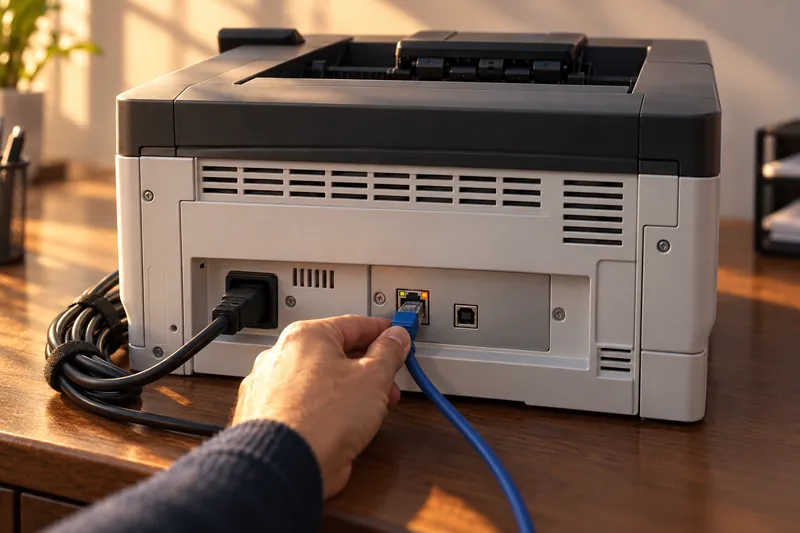
The controllers differ in the same direction. The P 311M has a 350 MHz processor, 128 MB of RAM, 10/100 Ethernet and USB 2.0. The P 501M has a 1.3 GHz Intel Apollo Lake processor, 2 GB of RAM, an optional 320 GB hard drive, Gigabit Ethernet and USB.
Security, fonts and supplies
Both models offer a locked paper tray, and the reasons to want one are in locking trays and secure cabinets: when you need them. Beyond the tray, the two sheets list different things:
- P 311M: IPSec, TLS 1.3, SNMPv3, user authentication and RAM-based Locked Print, with an optional locking media tray in the P 311M Secure configuration.
- P 501M: four user and administrator authentication types, SSL/TLS and datastream encryption support, with lockable paper trays and optional hard drive overwrite and encryption.
- Fonts: the P 311M lists E13B, CMC7 and OCR-A. The P 501M lists E13B and CMC7 and does not list OCR-A, so ask us if you print OCR-A.
- MICR paper weight: the P 311M publishes a MICR range of 20 to 28 lb Bond. The P 501M does not publish a separate MICR range.
On supplies, the P 311M publishes one item, a MICR toner cartridge rated at 5,000 impressions at 4% coverage. The P 501M publishes a MICR toner cartridge at 15,000 impressions at 3.6% coverage, a MICR drum at 40,000 impressions and a maintenance kit at 120,000. The two toner figures are stated at different coverages, so do not divide one by the other and call it a comparison. Toner life and cost per check shows how to compare yields fairly. Whichever you choose, it runs on ProMark™ MICR toner formulated for that engine.
Both machines can also print ordinary office work. The P 311M takes a standard cartridge in place of the MICR one, and the P 501M supply list includes a standard toner and a standard drum. Mixing standard and MICR toner cartridges or drum units in the same machine is an explicit exclusion from the MICR Performance Guarantee, so change the whole set, not half of it.