
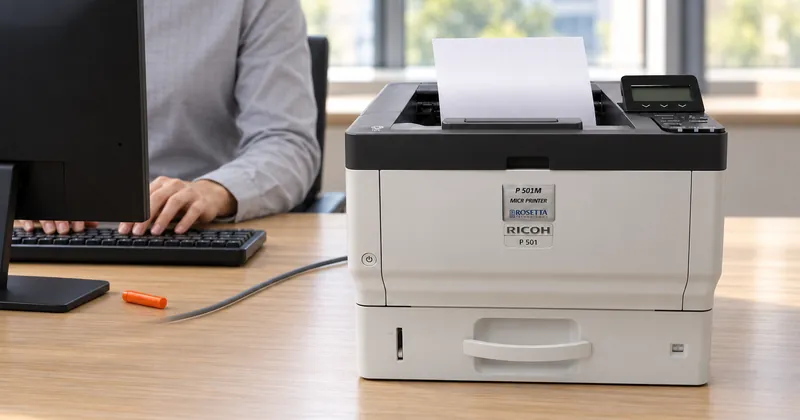
Accounting software decides who is paid, how much and from which account. Check printing software turns that payment record into a finished item a bank reader/sorter will accept: it composes the whole check on blank safety stock, places the MICR line, prints the security features and controls who can print and reprint.
The two are easy to confuse because both end with a sheet coming out of a printer. The difference is what is already on the paper before the printer touches it. When an accounting system prints onto pre-printed check stock, the form supplies most of the item. When the stock is blank, something else has to produce everything the form used to carry, and that is the job check printing software exists to do.
The accounting system stops at the payment record
An accounting package holds the data: payee, amount, date, check number and the account the money leaves from. That is the part of a check a person reads first, and it is the part an accounting system is built to get right.
Everything else on a pre-printed check was put there in advance by a supplier: the background, the logo, the bank details and often the account number. That is why each bank account needs its own pre-printed product, ordered in quantity, stored under lock, counted, and destroyed and reordered whenever a bank, an address or an account number changes. Our CheckStream® check printing software prints the check itself rather than filling in a pre-printed form, and that single difference removes check stock from the inventory, the safe and the shredder.
Composition: the whole item in one pass
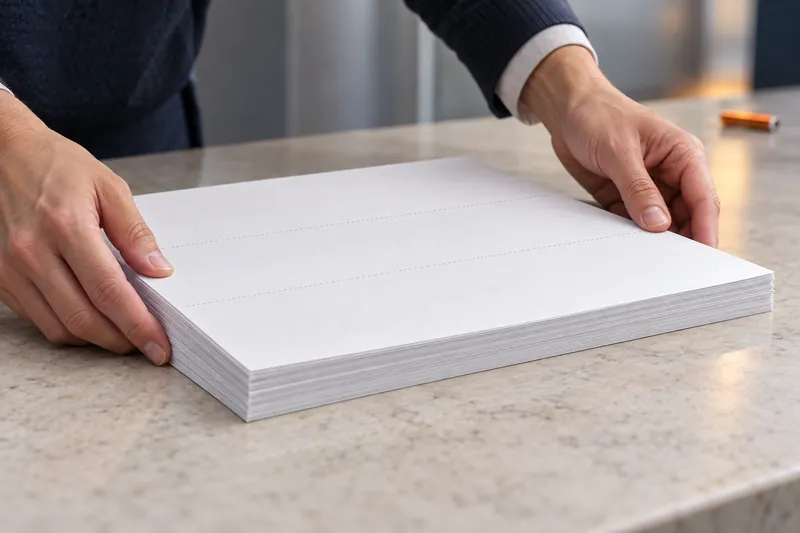
On blank stock, the background, the logo, the bank block, the payee details, the security features and the MICR line all print in the same pass. One blank safety stock covers every account, so changing a bank becomes a template change rather than an order, a shredder and a wait.
CheckStream works from the accounting data you already produce. It supports check on top, check in the middle and check on bottom formats, plus three-up sheets, with multiple bank accounts and signers managed from one central system. Because the layout of the on-us field is set by each issuing bank rather than by the standard, the software is configured per account rather than once per company.

The MICR line has tolerances a form never had to meet
Printing checks is an exact science, with precise tolerances for MICR character position, signal strength, security features and check forms. The line sits in a reserved band along the bottom edge where nothing else may print. Positions are numbered from right to left. The routing number is nine digits bracketed by Transit symbols, the on-us field follows the issuing bank's layout, and the amount field is left blank for the bank of first deposit to encode.
CheckStream handles the composition side of that from your data. The other side belongs to the printer: magnetic toner, calibration verified on a MICR verifier, and certified E-13B or CMC-7 fonts tuned to that engine and toner. A layout that is perfect on screen still has to be printed by a MICR printer to clear. The MICR line on a check walks through each field in order.
Security features become settings, not stock purchases
With pre-printed stock, security features are whatever the supplier printed onto the paper. When the item is composed at print time, they are part of the template. The security features CheckStream lists include:
- VOID pantograph, which reveals the word VOID when the item is photocopied
- Eurion dot security and microprint
- Watermarks imprinted into the printed background
- Signature encryption, available as an option
- User-level security and reprint security, standard in the LS, Office and Pro editions
The last line belongs to the check printing step rather than to the ledger. Who may print a check, and who may print the same check again, are decided where the check is produced.
Numbering and control after the run
A check run is a numbered sequence, and the record of who approved, signed and printed it matters as much as the checks. CheckStream keeps reporting and an audit trail of users and data, applies the authorized signature only to an approved batch, and exports a Positive Pay file after the batch prints, so the bank clears only the checks you issued.
| Part of the check | With pre-printed stock | With CheckStream on blank stock |
|---|---|---|
| Payee, amount, date | The accounting system fills them in | Composed from the same accounting data |
| Background, logo, bank block | Printed in advance by a supplier, per account | Printed in the same pass, from a template per account |
| Security features | Whatever is on the stock that was bought | VOID pantograph, Eurion dot security, microprint and watermarks in the template |
| MICR line | Depends on the stock and the printer | Placed by the software and printed in magnetic toner by a MICR printer |
| Who can print or reprint | Whoever holds the cupboard key | User-level security and reprint security |
Questions to settle before relying on the accounting system alone
- Does every bank account still need its own pre-printed stock, and what happens to it when the bank changes?
- Who can print a check, and is that decided by a login or by access to a cupboard?
- How is a reprint handled, and who can approve one?
- Does your bank want a positive pay file, and what produces it?
- If the check is printed on blank stock, what places the MICR line and prints the security features?
If the answers point at a gap, the next decision is who prints the check: your team with CheckStream, the branch with CheckStream Teller, or Rosetta Technologies with CheckStream Dispatch. We compare all three on the check printing software page.
CheckStream composes the check. Clearing at the bank still depends on the MICR printer, the toner and check stock that meets ANSI X9.18.