
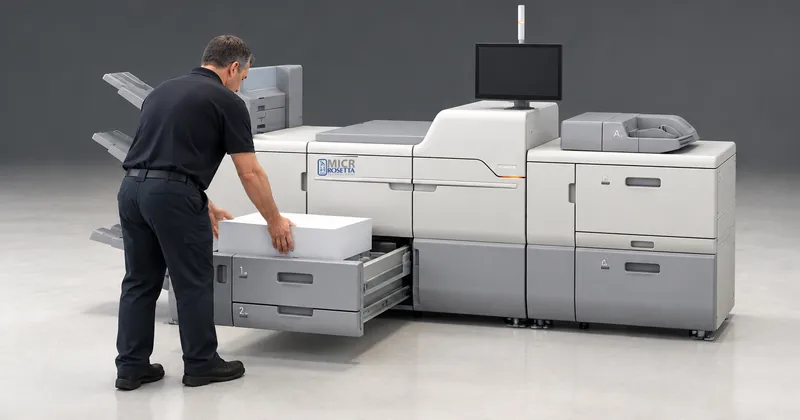
Tray capacity decides how often a check run stops. Divide your longest run, counted in sheets rather than checks, by the input capacity that will actually hold check stock, and you know how many reloads the run needs. Then do the same sum for the output tray, which is often the tighter limit.
Speed gets the attention on a printer datasheet, and recommended monthly volume deserves more of it. Capacity is the line most often skipped, yet it is the one the operator feels on every run. A printer that stops for paper every few minutes is a printer that needs a person standing beside it, and every stop is a moment when a numbered sequence can go wrong.
Three capacity numbers, three different questions
A datasheet usually gives three figures, and they answer different questions:
- Standard input capacity: what the machine holds as delivered. It often includes the bypass tray, so read how it is made up.
- Maximum input capacity: what it holds with optional trays or feed units added. This is the figure to plan against if you are willing to buy the options.
- Output capacity: how many printed sheets the output tray or stacker takes before someone has to empty it.
Here are those figures across our current line, as published.
| Model | Standard input | Maximum input | Output |
|---|---|---|---|
| P 311M | 300 sheets: 250-sheet tray plus 50-sheet bypass | 550 sheets with the optional 250-sheet feed unit | 125 sheets face down |
| P 501M | 600 sheets: 500-sheet tray plus 100-sheet bypass | 2,100 sheets, up to four trays | 250 sheets face down |
| SP 8400DNM | 1,200 sheets: two 550-sheet trays plus 100-sheet bypass | Up to 4,700 sheets | 500 sheets up to 8.5 x 11 in; up to 4,000 with the 3,000-sheet finisher |
| Pro C7500PM | Tray 1 2,500 sheets, Tray 2 2,000 sheets | 16,200 sheets with vacuum-feed trays at 4,400 sheets each | Up to 13,750 sheets with two stackers and the finisher |
| Pro C7210XM | 2,500 sheets: two 1,000-sheet trays plus one 500-sheet tray | 16,200 sheets | Up to 13,750 sheets with two stackers and the finisher |
| Pro 8310M / 8320M | 3,300 sheets | 12,600 sheets, up to eight media pick points | 15,000 sheets maximum |
| Pro 8410M / 8420M | 6,050 sheets | Up to 12,600 sheets | Not published |
A worked example at the desk
Suppose a department prints a 2,000-check run, one check per sheet, on a P 311M with the optional feed unit. At 550 sheets of input, the run needs the trays filled four times: it starts full and stops for paper three times. At 34 pages per minute, each full load lasts a little over 16 minutes.
The output side is tighter. A 125-sheet output tray fills 16 times over a 2,000-sheet run, roughly every four minutes. That is not a run anyone can leave alone, and it is not a fault in the machine. The P 311M is sized for a single department printing under about 5,800 pages a month, and a 2,000-sheet run is more than a third of that month in one sitting.
Run the same example on an SP 8400DNM. Its 1,200 standard sheets cover the run with one reload, and with optional capacity up to 4,700 sheets it needs none. Its 500-sheet output takes four trayfuls. At 60 pages per minute the whole run takes a little over half an hour. The arithmetic does not say which machine to buy. It says how much attention each one asks for while the run is printing.
Count sheets, not checks
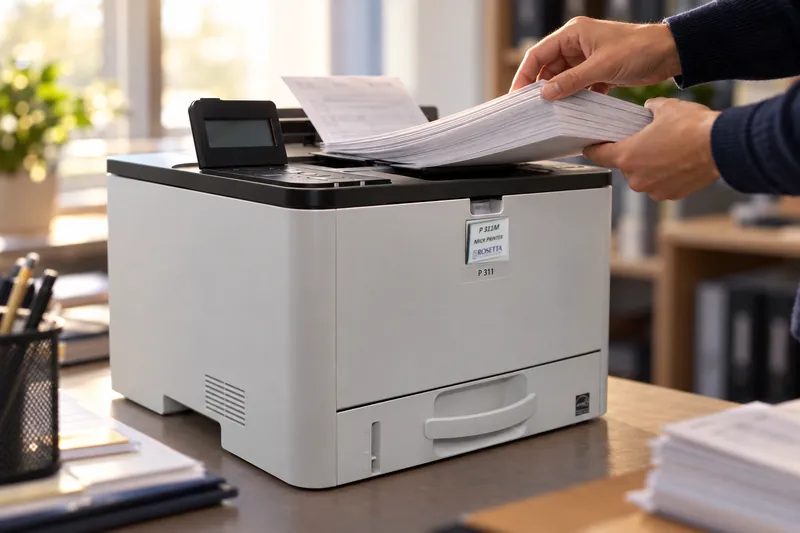
Run length for capacity purposes is a count of sheets, and sheets and checks are not always the same number. A check-on-top, middle or bottom format puts one check on each sheet. A three-up format puts three checks on a sheet, so 3,000 checks become 1,000 sheets. On a multi-up format, ask how the check printing software numbers the run, so the checks come out in sequence after cutting.
Add the sheets that are not checks. A remittance page, a register printed at the end of the run, a test page at the start, and a margin for spoils all draw from the same trays, and some of them may need a different stock loaded alongside the checks.
Capacity also means how many stocks at once
Some runs mix media. A returns operation may print IRDs and letters. A claims run may need check stock and plain paper in the same job. Here the number of trays matters as much as their size, because each stock needs its own source. The Pro 8310M and Pro 8320M offer up to eight media pick points for mixed runs of check stock, IRD paper and carbonless without operator intervention. On a smaller machine, decide in advance which tray holds check stock, and keep it that way so nobody loads plain paper where checks should be.
Every reload is also a small risk to the sequence. A sheet that misfeeds while a tray is being filled, or a stack loaded the wrong way round, shows up as a gap or a duplicate in the check numbers. Clearing a jam in the middle of a numbered check run covers how to recover when that happens. Fewer stops mean fewer chances for it.
A sizing method for your own runs
- Find the longest run. Use the largest single run you expect, not the monthly total. Monthly volume is a separate question, covered in plan for your peak month, not your average month.
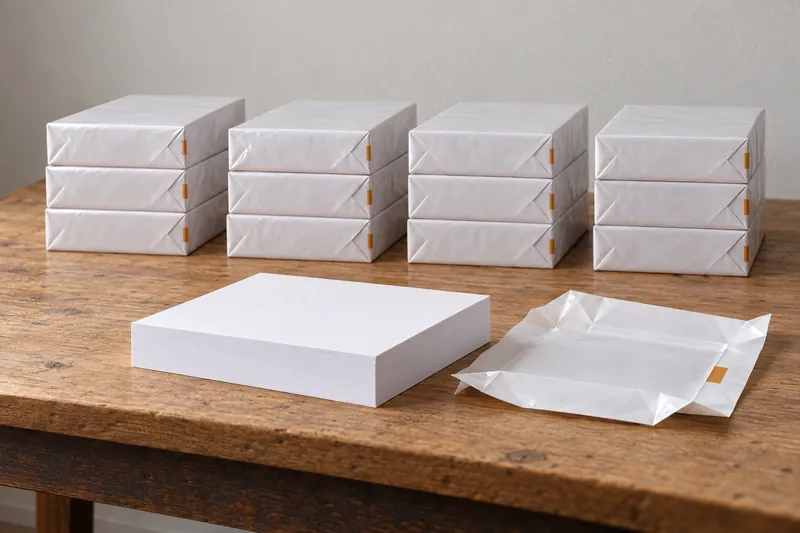
- Convert it to sheets. Divide by the number of checks per sheet, then add test pages, reports, stubs on separate sheets and a margin for spoils.
- Use the capacity that holds check stock. Leave out any tray reserved for other media, and decide whether you will ever feed checks through the bypass.
- Divide, then check the output side. Input capacity gives the number of reloads. Output capacity gives the number of times someone empties the tray.
- Decide what is acceptable. A few reloads with someone at the machine may be fine. If not, optional trays, a finisher or a larger class are the remedies.
If the answer points to a different machine, the workgroup MICR printer comparison sets the capacities side by side with recommended monthly volume, which is the other number a sizing decision needs.
Capacities are published per model and per configuration. Output capacity on the production systems depends on the stackers and finishers chosen, so confirm it against the configuration you are quoting.